

For the last four years, I have been using Gamma along with other PPT makers. But Gamma always stands at the top. So, here is a guide article and review of Gamma and how you can use it effectively.
What is Gamma?
Gamma is basically an AI-powered design tool that helps users create presentations, websites, social media posts, and other content effortlessly. It is mostly used for PPT making for what I’m writing today. Besides, it also allows exporting content creations directly as PowerPoint (PPT) files, PDFs, PNGs, or Google Slides. You can visit Gamma PPT maker from here.
How to Use Gamma PPT Maker?
Using Gamma for PPT making is so simple, you can just follow below given steps to use it properly.
- Visit Gamma.app & sign up on the website.
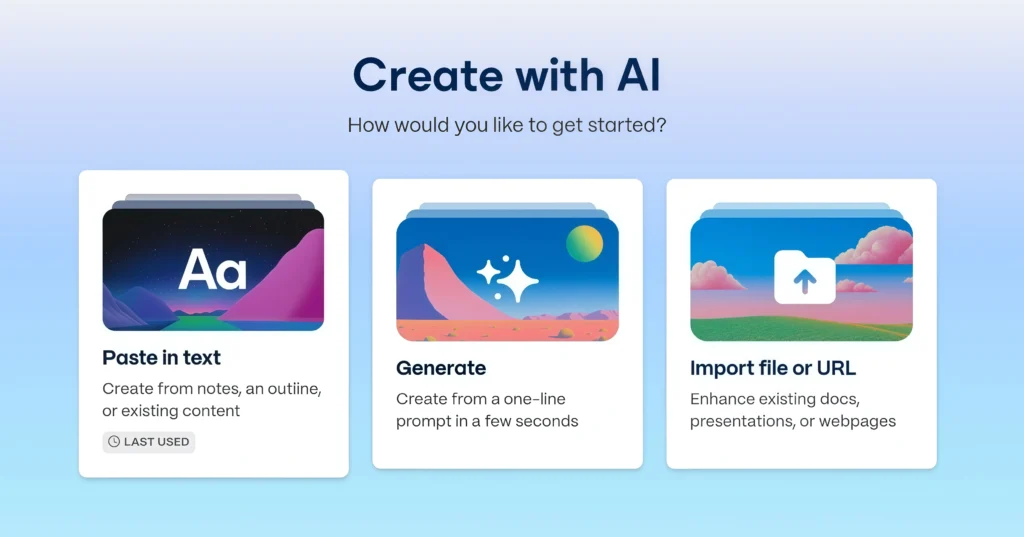
- There, you get various options, like you can make with AI or build yourself from scratch, or import files. Better you should go with AI.
- Now, if you have your content ready, click on “Paste in Text” or click on “Generate” to make a whole PPT with one line prompt.
- Click on type – “PPT” and click on generate.
- Now customize the PPTs as you like.
Gamma Pricing :
The below is Gamma Pricing, you can check it out in detail on its official website from here.
Free – $0
- Simple presentations, docs, websites, social, and images
- Import from PDF & PPTX
- Export to PDF, PPTX, PNG & Google Slides
- Create up to 10 cards per prompt
Plus – $8/seat/month
- Everything in Free, and –
- Remove Gamma branding
- Advanced AI image models
- Create up to 20 cards per prompt
Pro – $18/seat/month
- Everything in Plus, and –
- Premium AI image models
- Custom branding & fonts
- Detailed analytics & advanced sharing
- Publish up to 10 custom domains
- API access (Beta)
- Create up to 60 cards per prompt
Ultra – $100/seat/month
- Everything in Pro, and –
- Access to the most advanced AI models (text & image)
- Publish up to 100 custom domains
- Early access to new features
- Create up to 75 cards per prompt
How to Use Gamma for Free?
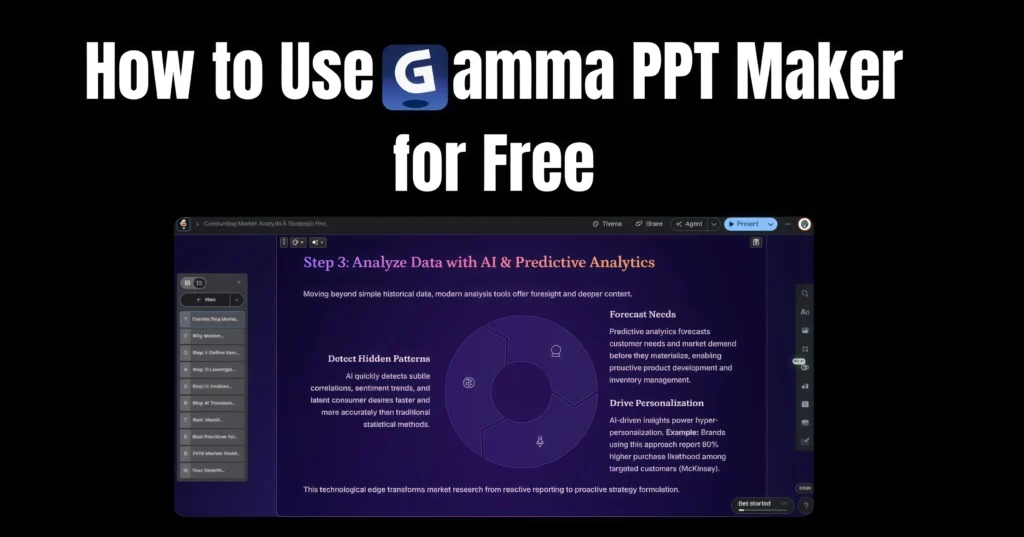
So, here’s a catch, though with Gamma, users can create up to 10 cards or PPT pages for free. But to add more PPT pages, users need to subscribe it’s one of the plans. But Gamma offers 7 7-day refund policy. So, if you want to use Gamma AI for free, then you can just subscribe to it and then take a refund within 7 days of subscription.
Gamma PPT Maker Honest Review :
If you are asking for an honest review of Gamma PPT Maker, as a long-term user, it was great, believe it or not, our normal Microsoft PowerPoint is outdated now, with Gamma, you can make PPTs in minutes, beside there’s literally everything you can edit after generating the PPT with AI.
It’s more appealing, easy to make, and currently it’s probably among the best PPT makers available online. What PPT maker do you use, btw? Let us know in the comment below!
